Deck A & Deck B
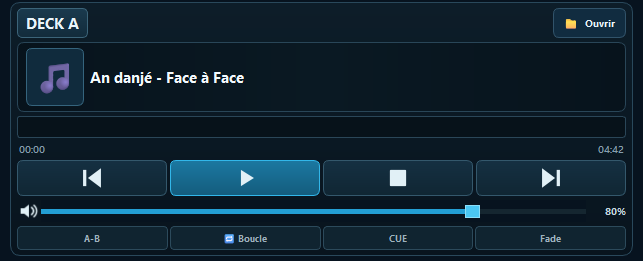
Two independent audio decks for preparing your content and creating smooth transitions.
Fiksem Broadcast Studio brings together essential tools in a single interface to operate your radio studio: audio playback, dual decks, mixing, playlists, jingles, spots, and streaming.
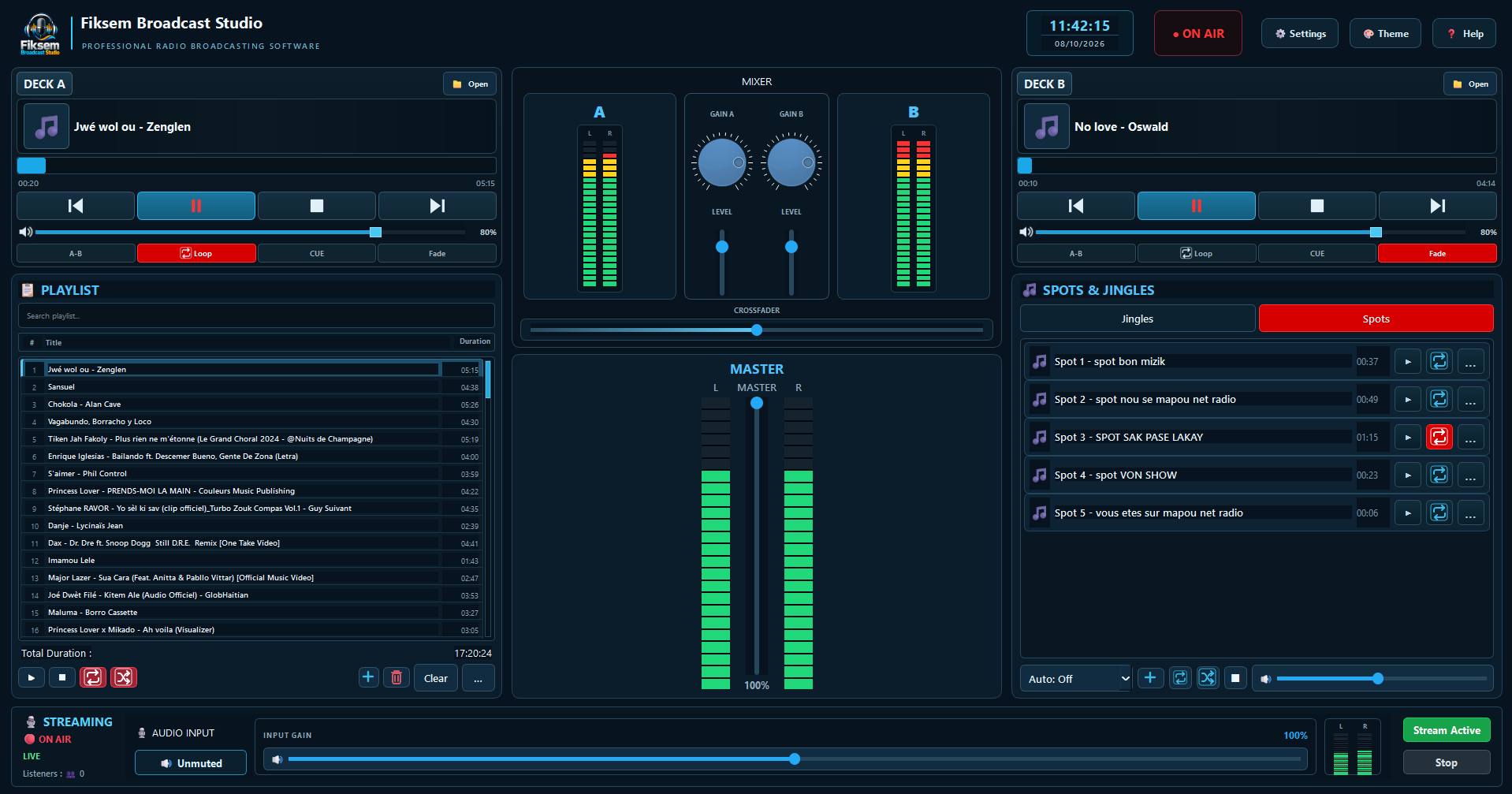
Fiksem Broadcast Studio provides a centralized environment for preparing, controlling, and broadcasting your audio content from an interface designed for the needs of a radio station.
A clear organization of the essential tools needed to produce, mix, and broadcast your programs.
Two independent audio decks for preparing your content and creating smooth transitions.
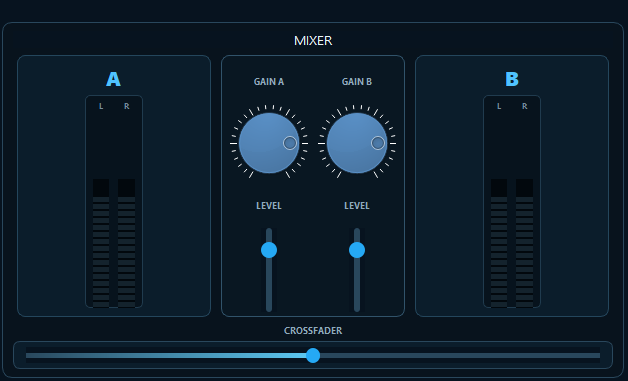
Control source levels, mixing, and the Crossfader directly from your studio.
Organize your tracks, quickly find your content, and prepare your programming.
Connect your studio to your streaming server and control your live broadcast.
Manage your sonic identity, jingles, and promotional content from a dedicated workspace.
Configure the settings required for your Icecast connection and broadcasting.
Select your audio devices and adapt your environment to your studio equipment.
Customize the appearance of your workspace using the available personalization options.
The main studio controls are grouped together for quick access to the functions used during production and broadcasting.
The two decks, mixer, Master, and Crossfader form the central control area for your audio production.
The streaming section lets you monitor the broadcast status and work with your radio server.
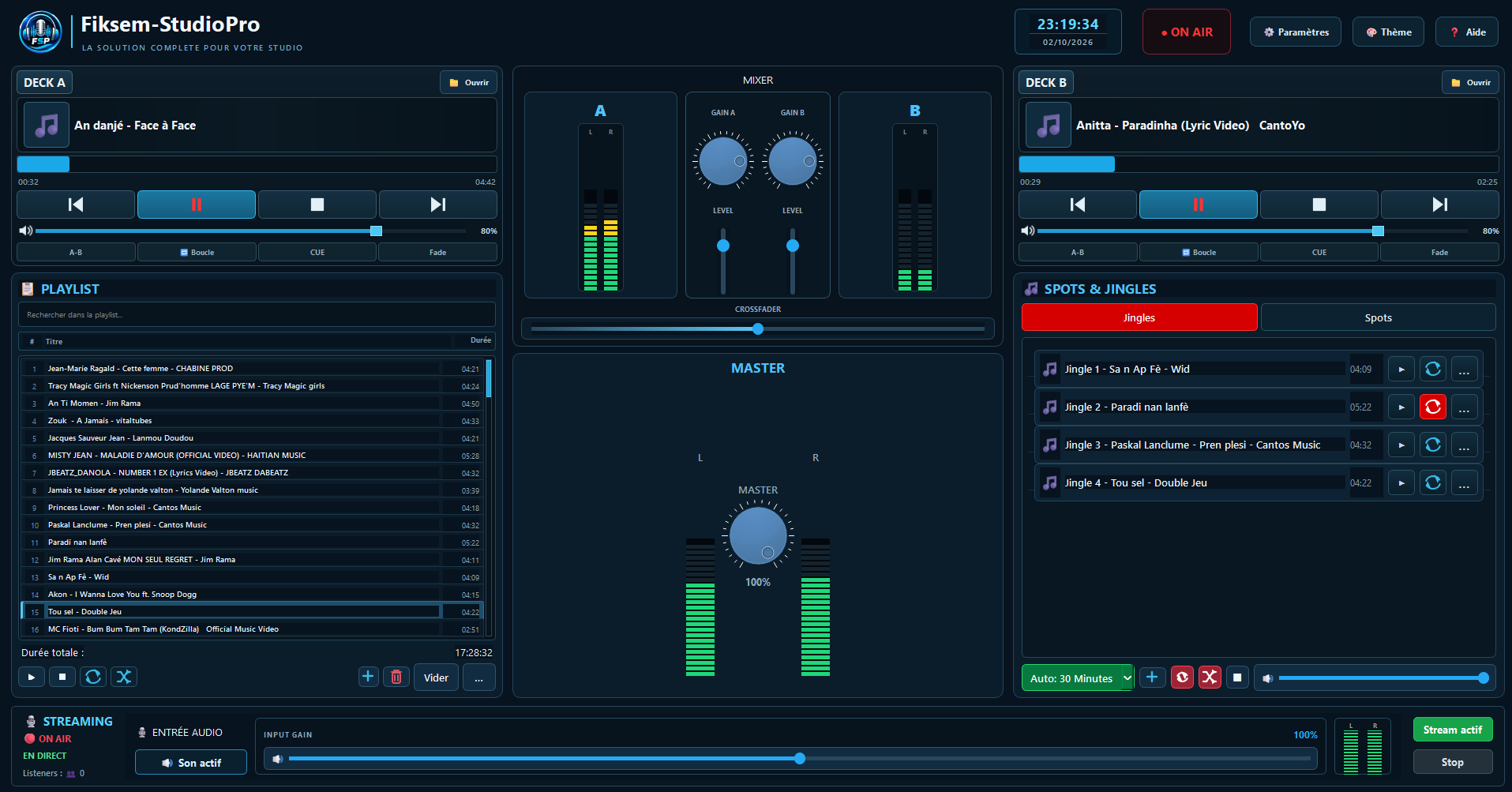
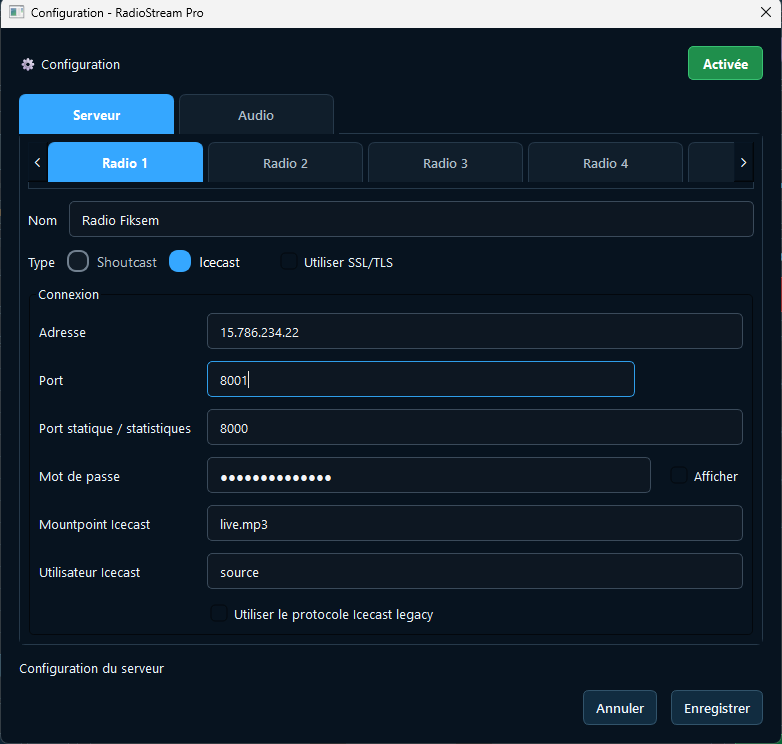
Prepare your audio content and quickly find the elements needed for your show.
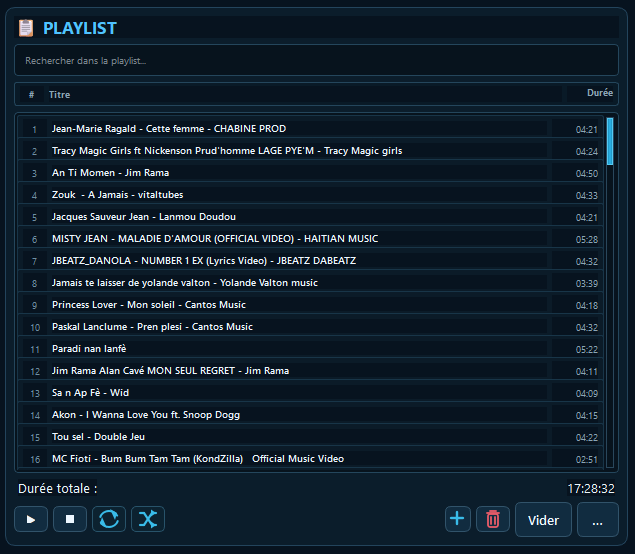
Keep your jingles and spots organized in one place to maintain a consistent sound identity on air.
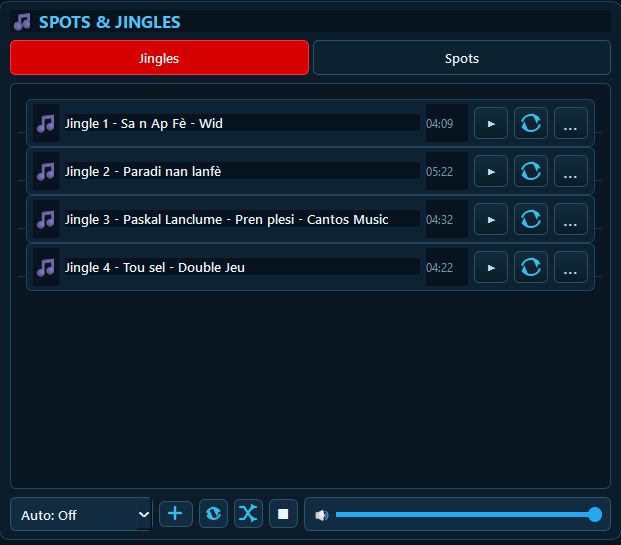

The setup process is simple: install the software, configure your audio, connect the server, and start broadcasting.
Install Fiksem Broadcast Studio on the computer used for your studio activities.
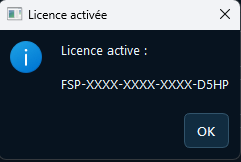
Enter the key received after your purchase and verify that the license has been activated correctly.
Select the input and output devices used by your studio.
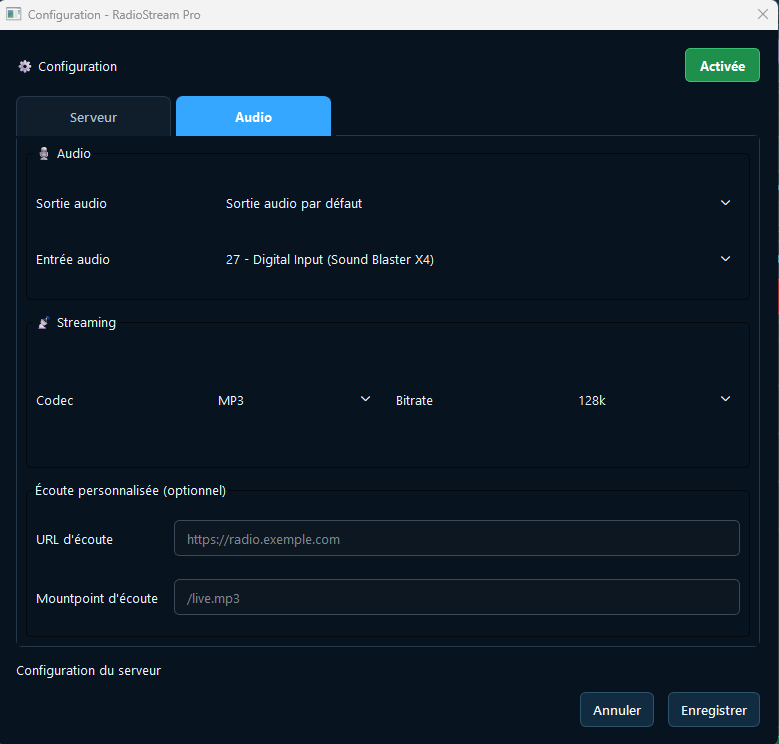
Enter your radio server settings and the information required for the connection.
Add your tracks, playlists, jingles, and spots to prepare your broadcasting environment.
Start your broadcast and control your stream directly from your studio.
Download the latest Windows installer and install Fiksem Broadcast Studio on your studio computer.
Download Fiksem Broadcast StudioLicenses designed for different needs, from individual use to environments requiring multiple machines.
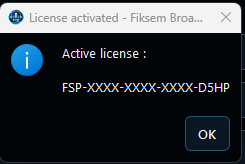
After your purchase, your license allows you to use Fiksem Broadcast Studio according to the conditions of your selected plan.
After your order is confirmed, the information required for activation is provided according to the platform's process.
Keep your license key safe and use it only on the machines authorized by your plan.
Detailed guides can accompany each Fiksem Broadcast Studio feature to make installation and configuration of your environment easier.
Learn how to prepare your tracks and perform transitions between the two decks.
Configure your server connection and control your live broadcast.
Organize your station's sonic identity and configure your promotional elements.
Find the main steps for configuring your audio environment and radio server.
For any questions regarding installation, activation, configuration, or use of Fiksem Broadcast Studio, contact our development team directly.
Licence.keys@radiotelefiksem.com